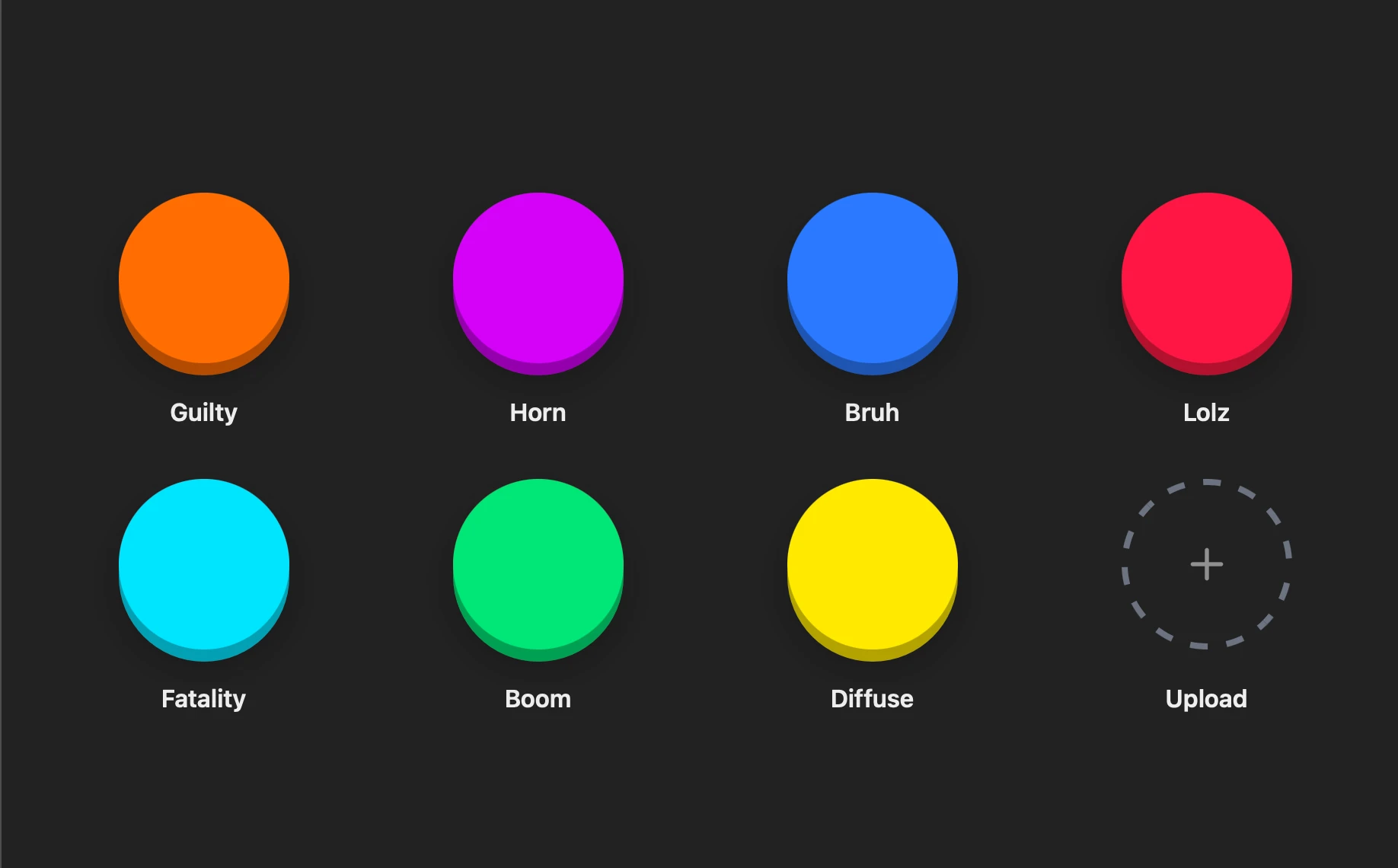
Overview
My roommates and I wanted an easy way to play sound clips on demand in our living room, accessible from any of our devices and with instant playback. We built a simple, lightweight soundboard web server that can be deployed on any Linux machine. The entire interface runs in the browser, making it easy to trigger sounds from any device on your network.
Turns out, low-latency audio playback, especially with concurrent streaming, is a pretty tricky problem to solve. If you want your friends to be able to instantly hear sound playback and play many sounds over one another, you have to design the sound server very carefully — more on this below.
Sounds can be uploaded directly through the web UI. The backend automatically processes the uploaded sounds to remove leading and trailing silence, then converts them to uncompressed WAV format. The server loads all of the sounds into memory, so they can be played instantly when you press a button without the latency of a disk read. It also supports concurrent playback, so spam the buttons at will!
Features
- Low-Latency Playback: All sounds are loaded into RAM at startup for instant playback
- Web-Based Interface: Control the soundboard from any device on your network
- Automatic Processing: Uploaded sounds are trimmed and converted to WAV automatically
- High Concurrency: Supports many simultaneous audio streams
- Password Protection: Secure access with authentication
Technical Details
The server is built with FastAPI for a high-performance Python web backend and HTMX for a lightweight frontend without heavy JavaScript. The server was reverse proxied through nginx and hosted on our campus network with a registered domain.
When the server starts, all sounds are loaded into memory. This eliminates disk I/O latency during playback, ensuring sounds trigger instantly when you press a button on the website. The sounds are stored as uncompressed WAVs in memory to prevent wasting time uncompressing them.
To enable concurrent playback, as well as low-latency playback, an appropriate audio driver must be selected, as performance and features like concurrency can vary greatly depending on the driver. I found the PulseAudio driver to be the most reliable for this application, but your mileage may vary. Your audio buffer must also be sized to an appropriate size, especially as the number of concurrent sounds being played back increases.
The app also features simple password authentication, for peace of mind on a campus network. Once you enter the password correctly once, a cookie is stored in your browser for future sessions.